Key Takeaways for RGB vs CMYK Color Modes
- RGB (Red, Green, Blue) is an additive color model designed exclusively for digital screens that emit light.
- CMYK (Cyan, Magenta, Yellow, Key/Black) is a subtractive color model designed for physical ink on paper and print media.
- Designing or submitting print files in RGB mode can cause vibrant neon colors to appear dull, muddy, or shifted once printed.
- Converting design files to CMYK before sending to print ensures accurate color reproduction and eliminates unexpected print results.
- Design software such as Adobe Illustrator, InDesign, and Photoshop allow instant CMYK setup and document color conversion.
What is the difference between CMYK and RGB printing? If you've perfected your artwork in Omaha and are ready to order custom printed marketing materials, understanding these two color modes is crucial to receiving finished prints that match your screen design. Whether you are printing business cards, custom postcards, yard signs, or booklets, properly preparing your color profiles will ensure professional results.
Most people only consider what looks good on a bright digital monitor when crafting graphics. However, physical commercial printing requires converting projected light values into tangible ink pigments. Preparing your file in the correct color mode from the start prevents color shifts, dull tones, and unexpected print surprises.
RGB Color Mode: The Digital Standard
RGB stands for Red, Green, and Blue—the primary colors of light. RGB is an additive color model because colors are created by layering light sources together on dark screens. When light from monitors, laptops, smartphones, or TVs projects through the RGB spectrum, it combines to produce millions of vibrant shades.
Because RGB screens generate active light, the color gamut (range of visible colors) is significantly wider than physical ink on paper. RGB is perfect for digital assets like website banners, social media posts, email templates, and online video graphics. However, because paper only reflects ambient light rather than emitting it, bright RGB neon shades cannot be fully replicated using ink.
CMYK Color Mode: The Commercial Printing Standard
CMYK stands for Cyan, Magenta, Yellow, and Key (Black). It is a subtractive color model used in professional offset and digital commercial printing. Subtractive printing begins with white paper. As cyan, magenta, and yellow ink dots are layered onto the surface, they absorb (subtract) specific wavelengths of light, reflecting the remaining colors back to the eye. Adding black ink ('Key') neutralizes dark tones, sharpens shadow contrast, and deepens black text.
Full-color commercial printing relies on blending micro-dots of CMYK ink to reproduce full-spectrum images and photographs. When preparing files for offset or digital print presses in Omaha, CMYK is the universally accepted color space.
Why RGB and CMYK Render Differently
Because digital monitors emit bright light and printing paper reflects ambient light, identical color values appear differently across formats. RGB displays extremely bright electric blues, vivid greens, and vibrant pinks that fall outside the physical CMYK color gamut.
When an RGB image is converted to CMYK for printing, out-of-gamut shades are automatically shifted to the nearest matching ink formula. This causes electric digital colors to appear slightly softer or deeper on paper. Designing in CMYK from the beginning provides a realistic preview of your final printed product.
When to Use CMYK vs RGB
- Use RGB for: Website design, mobile apps, social media graphics, email headers, digital signage, TV ads, and online video production.
- Use CMYK for: Business cards, flyers, postcards, brochures, door hangers, stickers, foam boards, vinyl banners, and all physical commercial print media.
- Hybrid Workflows: Many designers draft initial concepts in RGB to utilize specialized filters, then save a master file and convert a copy to CMYK before submitting to print.
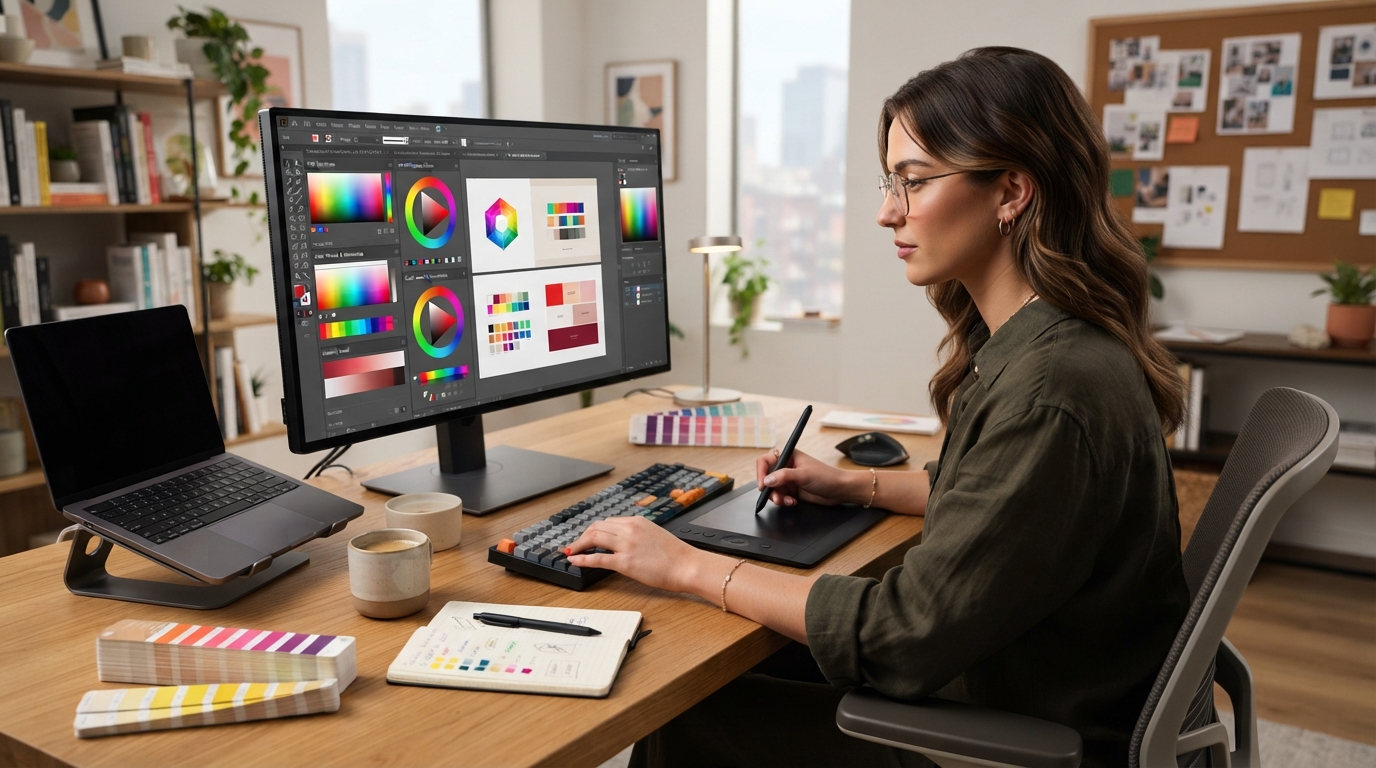
How to Convert Files to CMYK in Adobe Software
Converting your artwork to CMYK before printing is fast and easy in industry-standard design tools:
- Adobe Illustrator: Navigate to File > Document Color Mode > CMYK Color.
- Adobe InDesign: Navigate to Window > Color, open the panel dropdown menu, and select CMYK.
- Adobe Photoshop: Navigate to Image > Mode > CMYK Color. To inspect out-of-gamut colors before converting, select View > Gamut Warning.
Paper Stocks and Material Finish Impact
Paper stock and coatings also influence how printed CMYK colors appear. Glossy coatings (such as 14 pt. Gloss or UV High-Gloss) reflect light, enhancing color saturation and vibrancy. Matte or uncoated cardstocks absorb ink deeper into paper fibers, producing softer, elegant, non-reflective finishes.
Order Professional Custom Prints with HuskerPrint Omaha
Need help preparing your design files or printing high-quality marketing materials in Omaha? HuskerPrint offers expert file preflight checks, vibrant CMYK printing, and premium paper stocks. Contact our local Omaha team today to get started!
Ready to Print With HuskerPrint?
Get a free quote and free design review on your next print project.
Request a Quote