Your business card is often the first tangible reminder a prospect has of your brand. A card that is hard to read gets tossed, while a well-typeset card gets kept, shared, and remembered. Font size is one of the biggest factors in that split-second judgment — and it is also one of the most common mistakes we see at HuskerPrint.
Why Font Size Matters on a Business Card
A standard business card is only 3.5" x 2". That is a tiny canvas, and every point counts. If your type is too small, contacts will squint and give up. If it is too large, the card looks cluttered and amateurish. The goal is a clear visual hierarchy that guides the eye from your name down to your phone number in under two seconds.
Recommended Font Sizes by Element
There is no single perfect size, but these ranges work reliably across most layouts and typefaces:
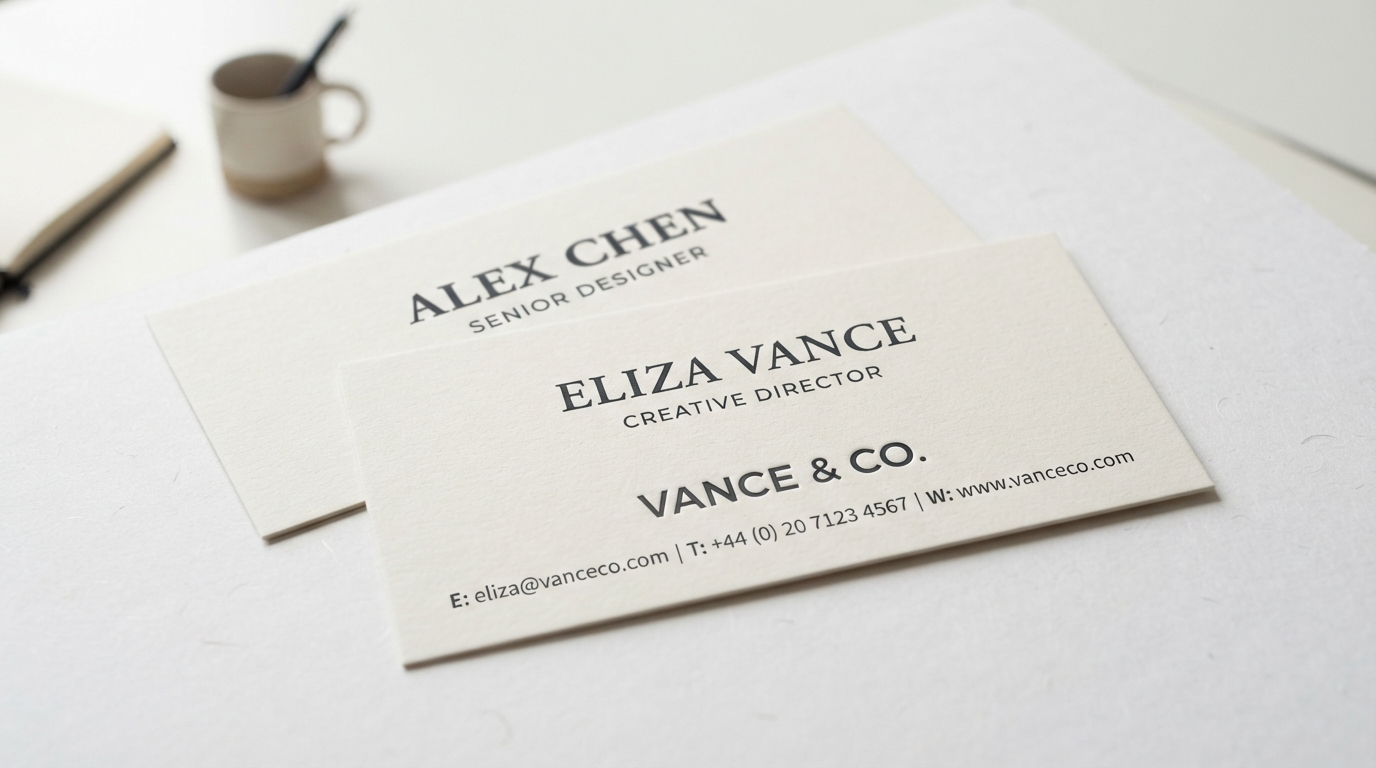
- Name: 11–13 pt — the largest element, bold or semibold weight.
- Job title: 8–10 pt — lighter weight, sits just under the name.
- Company name: 9–11 pt — can match or sit just below the name.
- Contact details (phone, email, website): 7–9 pt — readable but secondary.
- Address / tagline: 6–8 pt — the smallest text, used sparingly.
The Minimum Readable Size
As a rule of thumb, never go below 6 pt for printed business cards. Anything smaller becomes illegible once ink spreads on press (a phenomenon called dot gain). For older audiences or cards with low contrast, keep body text at 8 pt or above.
Building a Clear Hierarchy
Size is only one lever. Combine it with weight, color, and spacing to create hierarchy:
- Use weight contrast — a bold name next to a regular-weight title reads instantly.
- Add white space — generous margins make small text feel larger and calmer.
- Limit font families — one display font for the name, one clean sans-serif for details.
- Align consistently — left-aligned or centered stacks scan faster than mixed alignment.
Common Font Size Mistakes to Avoid
- Cramming every social handle at 5 pt to fit — cut the least important info instead.
- Using a decorative script font below 10 pt — scripts lose legibility fast at small sizes.
- Setting contact info in all caps at small sizes — it reduces word-shape recognition.
- Forgetting bleed — keep text at least 0.125" from the trim edge so it never gets cut.
Test Before You Print
Always print your design at 100% on plain paper before ordering. Hold it at arm’s length — if you can read everything comfortably, your font sizes are right. If not, simplify or scale up.
Need help dialing in the perfect business card layout? HuskerPrint offers free design review with every order. We will check your font sizes, spacing, and bleed so your cards print flawlessly the first time. Request a quote to get started.
Ready to Print With HuskerPrint?
Get a free quote and free design review on your next print project.
Request a Quote